
Windows VPNs Add App-Level Split Tunneling
Proton and Nord update their desktop software to allow users to exclude specific applications from VPN encryption.
By Madison Morris ·
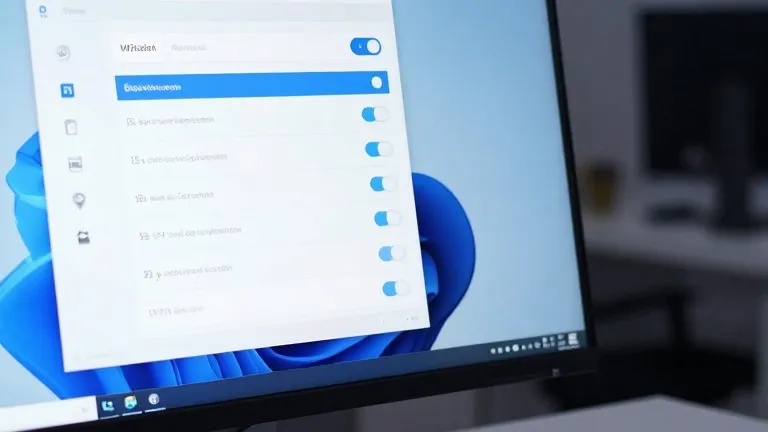
Proton and Nord updated their Windows VPN clients this week to include granular split tunneling controls. The feature allows users to designate which applications route through the encrypted VPN tunnel and which connect directly to the internet. This change gives desktop users more precise control over their network traffic without manually toggling the software on and off.
Split tunneling has existed in VPN software for years, but it is rarely used by the average consumer. The feature addresses a core trade-off of VPN usage: security versus speed. While a VPN protects data from internet service providers and local network observers, it often reduces connection speeds. By excluding certain apps from the tunnel, users can mitigate this slowdown for tasks that require low latency or local access.
The update follows a pattern of consumer VPNs refining their desktop interfaces. ProtonVPN places the split tunneling link on the right side of its main console, near the kill switch and port forwarding options. NordVPN houses the setting under a cog icon in the bottom left corner of its interface. Both companies describe the setup as a one-time task that does not require ongoing adjustment.
The implementation differs slightly between the two providers. In ProtonVPN, users can choose to include specific apps in the tunnel, leaving all others excluded, or exclude specific apps, leaving all others protected. NordVPN uses a similar toggle system where users select which apps receive protection. This app-based routing is the most common form of split tunneling available to individual users.
Other methods of split tunneling exist but are less common in consumer software. URL-based rules allow users to set protections by domain name, such as keeping a search engine protected while bypassing a local news site. Route-based and policy-based tunneling rely on IP addresses or complex rule sets and are typically used by network administrators rather than individual users.
Mobile platforms handle split tunneling differently. Android devices and desktops allow for app-level exclusions, but iPhones limit this control. On iOS, users are generally restricted to excluding specific websites and IP addresses rather than entire applications. This technical limitation means iPhone users cannot achieve the same level of granular control as their desktop counterparts.
The update is live for Windows users now. The changes apply to the latest versions of the Proton and Nord desktop clients. Users can access the settings immediately within their respective applications to configure their preferred traffic routing.
Source: Wired